Printable Bill Tracker for the Whole Year (Free PDF)
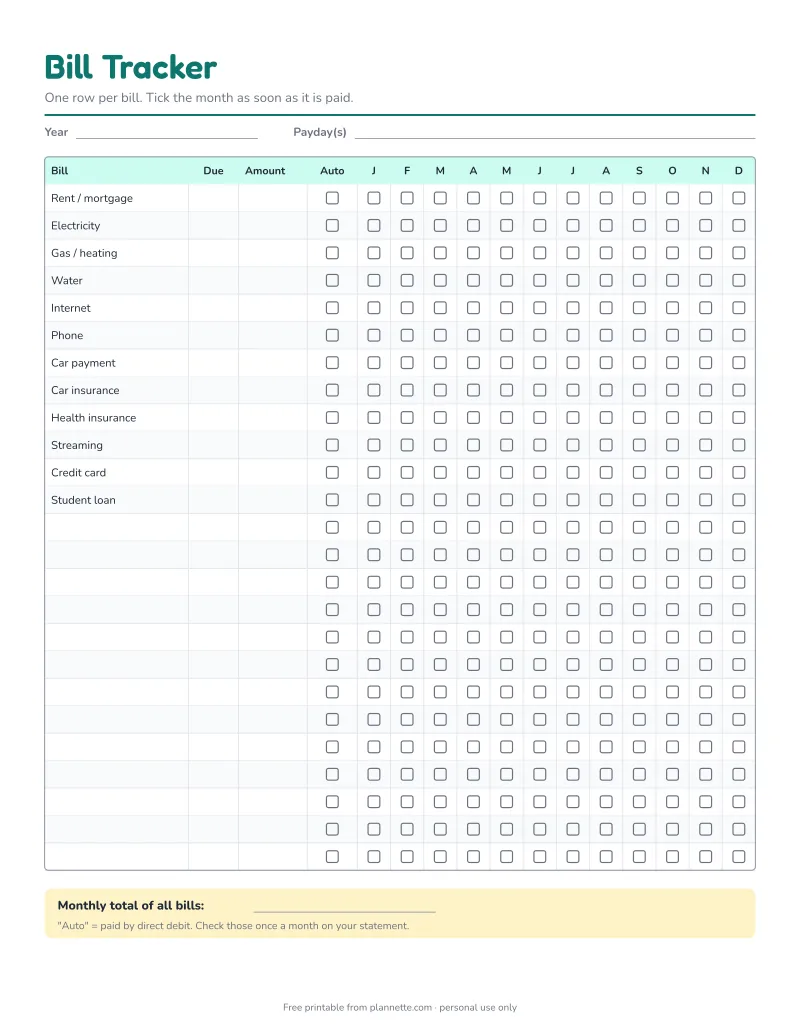
Never miss a due date again. This one-page bill tracker covers a full year. Write each bill once with its due date and amount, then tick the month when it is paid. Bills on autopay get their own checkbox, so you know which ones to check on your statement.
Free printable · no sign-up
How to set up your bill tracker
- Write down every recurring bill. The tracker already lists the most common ones; cross out what you do not have and add your own in the empty rows.
- Add the due day (for example “15” for the 15th) and the usual amount.
- Tick “Auto” for every bill that is paid by autopay or direct debit.
- Fill in your paydays at the top. Bills due right before payday are the ones to watch.
- Each month, tick the box as soon as a bill is paid.
At the bottom, add up all bills to get your monthly total. That is the minimum your income needs to cover before anything else.
Find bills you forgot
Go through the last three months of your bank and credit card statements and highlight every payment that repeats. Most people find at least one subscription they no longer use. Cancelling a single $12 streaming service saves $144 a year.
Bills that only come once a year
Car registration, insurance paid yearly, memberships and some software subscriptions are easy to forget because they only show up once. Put them on the tracker, then save for them every month in a sinking fund, so the money is ready when the bill arrives.
Pair it with a monthly plan
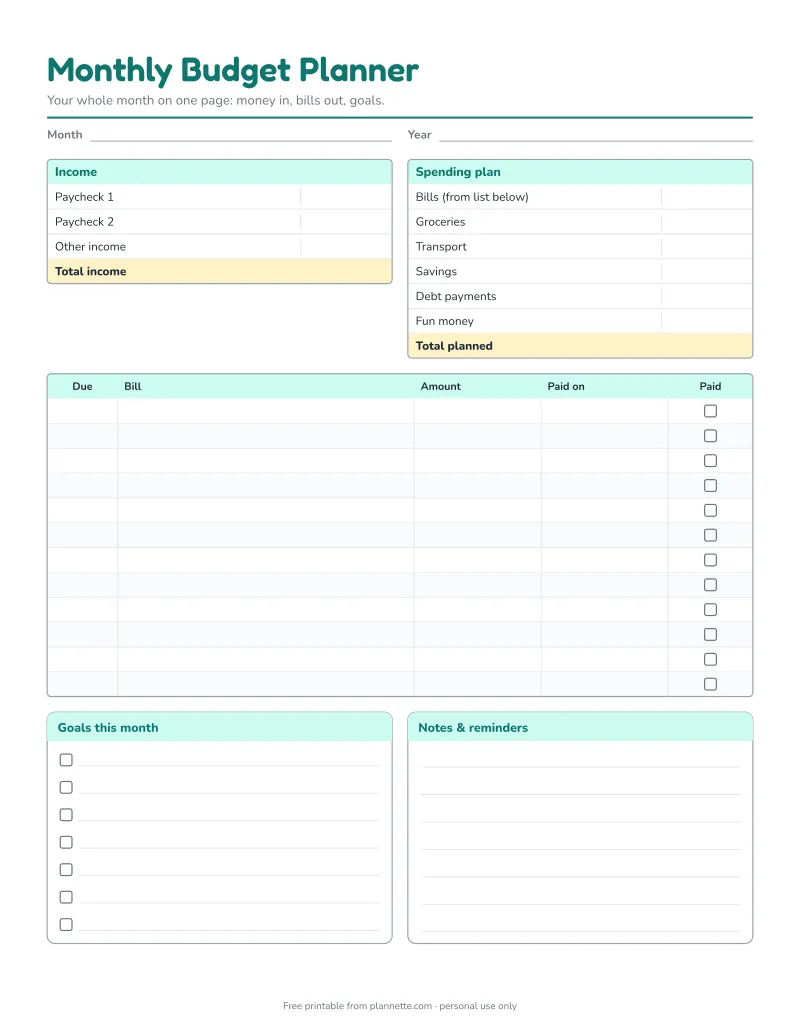
The bill tracker shows the whole year. For a closer look at each month, with a bill checklist, spending plan and weekly tracker, use the monthly budget planner.
Questions
Which bills should go on the tracker?
Every bill that comes back regularly, such as rent or mortgage, utilities, phone, internet, insurance, loans, credit cards and subscriptions. Yearly bills like car registration can go on the tracker too; just tick the month they are due.
Why track bills that are on autopay?
Autopay can fail when a card expires or an account runs low, and prices sometimes go up quietly. A quick monthly check of autopay bills catches both.
Can I start the tracker in the middle of the year?
Yes. Write the year at the top and start ticking from the current month. The earlier months simply stay empty.